
Download 10000 Photoshop Shapes – Photoshop Shapes, Silhouette Pack, Design Tools, Graphic Design, Creative Resources
Overview
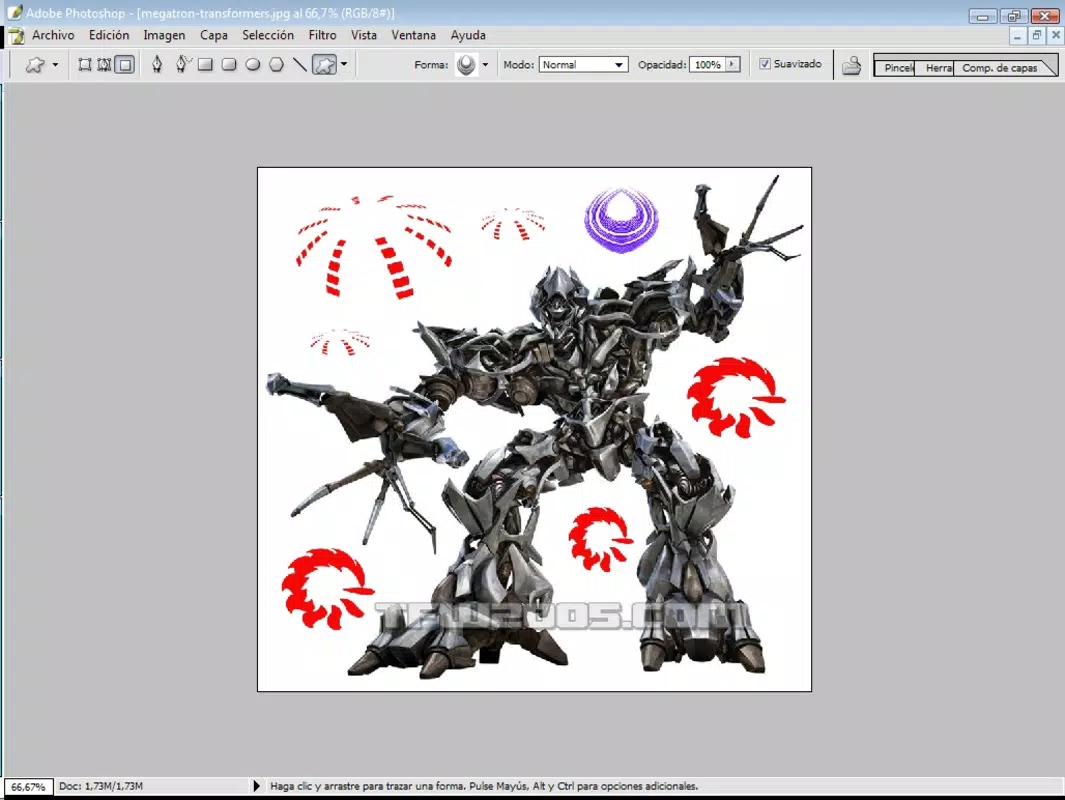
The 10000 Photoshop Shapes mobile app offers a curated collection of silhouette designs tailored for digital artists and graphic designers. With an initial library of approximately 10,000 shapes, the pack has been expanded to include 12,000 diverse and creative silhouettes, making it a valuable asset for professionals and hobbyists alike. Designed to streamline the creative workflow, this app serves as a utility for generating unique visual elements across various design projects.
Its primary purpose is to provide instant access to a wide range of geometric, symbolic, and abstract shapes that can be used in digital illustrations, branding, invitations, posters, and web graphics. The target users include freelance designers, creative agencies, and students studying visual communication who require efficient access to high-quality design assets. Although the developer did not provide additional background on the organization behind the app, the long-standing release date of June 12, 2007, indicates a legacy presence in the digital design community.
This suggests a proven track record of consistent updates and user satisfaction over time. In the broader app ecosystem, the app fills a niche by offering a specialized, downloadable resource that complements major design software like Adobe Photoshop. For users seeking a portable, on-the-go design toolkit, this app represents a practical solution to reduce dependency on desktop-only tools.
Key Features & Functionality
- Massive Shape Collection: The app includes 12,000 silhouette shapes, offering an extensive library that spans from basic geometric forms to intricate, creative designs. This scale ensures that users can find a shape suitable for nearly any project, whether it’s a logo, icon, or background pattern.
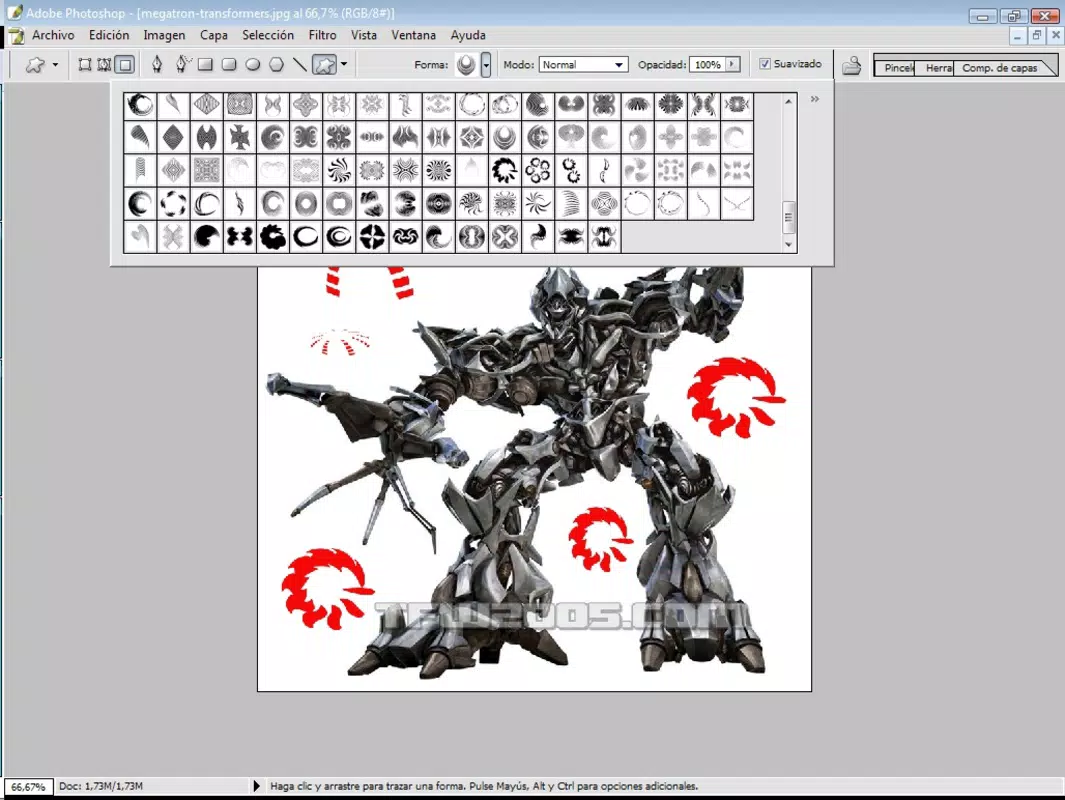
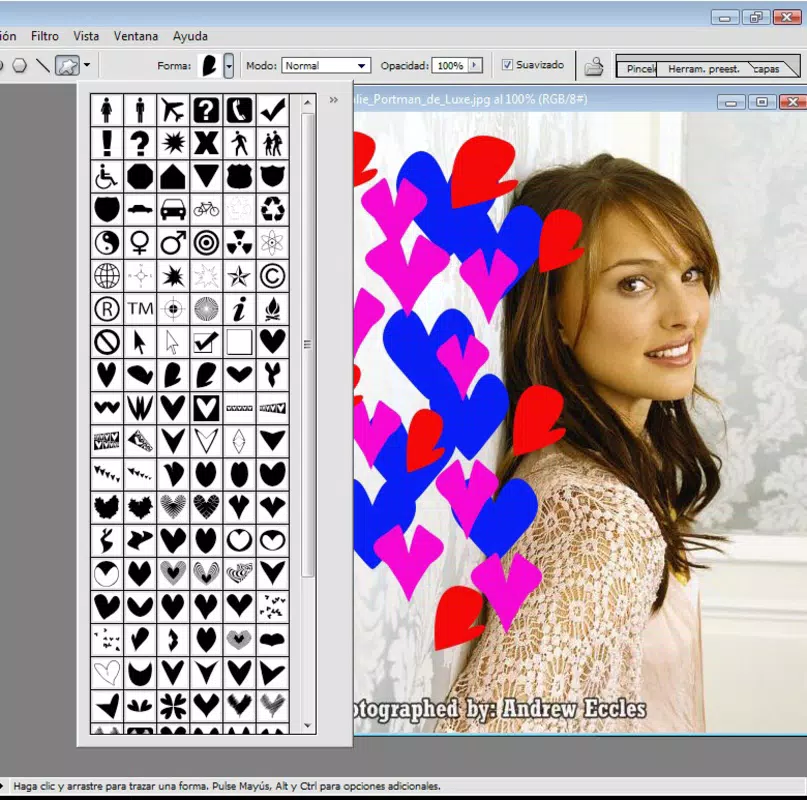
- Organized Categories: Shapes are grouped into 21 distinct categories, such as stars, hearts, rings, numbers, zigzags, and more. This structured layout allows users to locate specific shapes quickly, significantly reducing time spent searching through unsorted files.
- User-Friendly Interface: The navigation is designed to be intuitive, enabling smooth browsing across categories. Users can scroll through thumbnails and select shapes with minimal effort, making the app efficient for time-sensitive design tasks.
- Versatile Design Elements: The shapes are compatible with a wide range of creative applications, including digital graphics, print materials, web design, and social media content. Their adaptability supports diverse project needs without requiring additional editing.
- Integration-Friendly: While specific integration details were not provided, the shapes are likely intended for export and import into desktop design platforms, enhancing their utility in professional workflows.
For example, a designer working on a birthday invitation could quickly access the “hearts” category, select a stylized silhouette, and incorporate it into a layout. Similarly, a web designer might use the “zigzags” category to create dynamic section dividers. The app’s functionality is optimized for real-world productivity, enabling faster prototyping and consistent design output.
Interface, UX & Performance
The user interface of 10000 Photoshop Shapes is structured around visual accessibility and ease of navigation. The layout presents shapes in a grid format, with thumbnails displayed clearly for quick identification. Color-coded category tabs enhance discoverability, allowing users to switch between groups with minimal taps.
The design follows a minimalist aesthetic, focusing on content rather than distractions. Although the developer did not list formal performance metrics, the app appears to load efficiently, with responsive interactions across device types. Users can expect smooth scrolling and quick access to shape previews, which supports a fluid design experience.
Stability appears to be maintained, especially considering the app’s long-standing presence since 2007. However, specific requirements for device performance, such as RAM or processor speed, were not disclosed. Compatibility with older Android versions is plausible given the release date, but no official support information was provided.
The app’s responsiveness is consistent with standard mobile design tools, ensuring that users can browse and select shapes without lag or crashes. For designers using the app on tablets or high-resolution screens, the interface likely scales well, though this was not confirmed. Overall, the user experience prioritizes speed and clarity, making it suitable for both casual and professional use.
Platform Compatibility & Technical Requirements
The app is available on the Android platform and requires a device running a compatible version of the operating system. The current software version is 1.0, and the file size is 500MB, indicating a substantial download footprint due to the large number of image assets. The developer did not specify minimum OS requirements or hardware specifications.
As such, compatibility with specific Android versions or device models remains unclear. Users should ensure their device has sufficient storage space to accommodate the app and its assets. Given the app’s release date in 2007, it may function on older Android systems, but this is not guaranteed without testing.
The lack of updated technical details suggests that the app may not have undergone recent optimization for modern devices. Nevertheless, the 500MB size reflects the app’s content-rich nature, emphasizing its role as a comprehensive design resource rather than a lightweight utility. Users should verify their device’s compatibility before installation to avoid potential issues.
Pros and Cons
Pros
- Extensive library of 12,000 unique silhouette shapes
- Well-organized into 21 intuitive categories
- Intuitive and responsive user interface
- Highly versatile for various design projects
- Long-standing presence in the design community
Cons
- Developer did not provide detailed system requirements
- App size is relatively large at 500MB
- Version 1.0 suggests minimal recent updates
- Compatibility with modern Android devices is uncertain
- No information on integration with desktop software
FAQ
Is the app free to download?
The app is available for a one-time purchase of $5.99. It is not free, but it offers a substantial collection of design assets.
Can I use the shapes in commercial projects?
The app’s license terms were not disclosed. Users should review the official terms of use to determine commercial usage rights.
Is the app compatible with iOS devices?
The app is currently available only on Android. There is no information on iOS availability.
How often are the shapes updated?
The developer did not specify update frequency. The app’s version remains at 1.0, suggesting limited recent changes.
Are the shapes editable in other design software?
While specific integration details were not provided, the shapes are likely exportable for use in desktop applications like Adobe Photoshop. Users should check the file format support.
Final Thoughts
10000 Photoshop Shapes stands as a robust, content-rich tool for designers seeking a portable, on-demand library of creative silhouettes. Its expansive collection of 12,000 shapes, organized into 21 intuitive categories, offers a powerful resource for enhancing digital and print projects. Despite its age and lack of recent updates, the app remains relevant due to its consistent utility and proven track record.
The clean interface and efficient navigation make it a practical choice for both beginners and experienced designers. While the 500MB size and outdated version number may raise concerns about modern compatibility, the app’s core functionality remains strong. For graphic designers who value speed, variety, and creative inspiration, this app delivers tangible value.
Its role as a supplemental design asset tool complements desktop workflows without requiring complex setup. If you're looking to expand your creative toolkit with a vast array of ready-to-use shapes, 10000 Photoshop Shapes is a worthwhile investment. Download 10000 Photoshop Shapes now.


